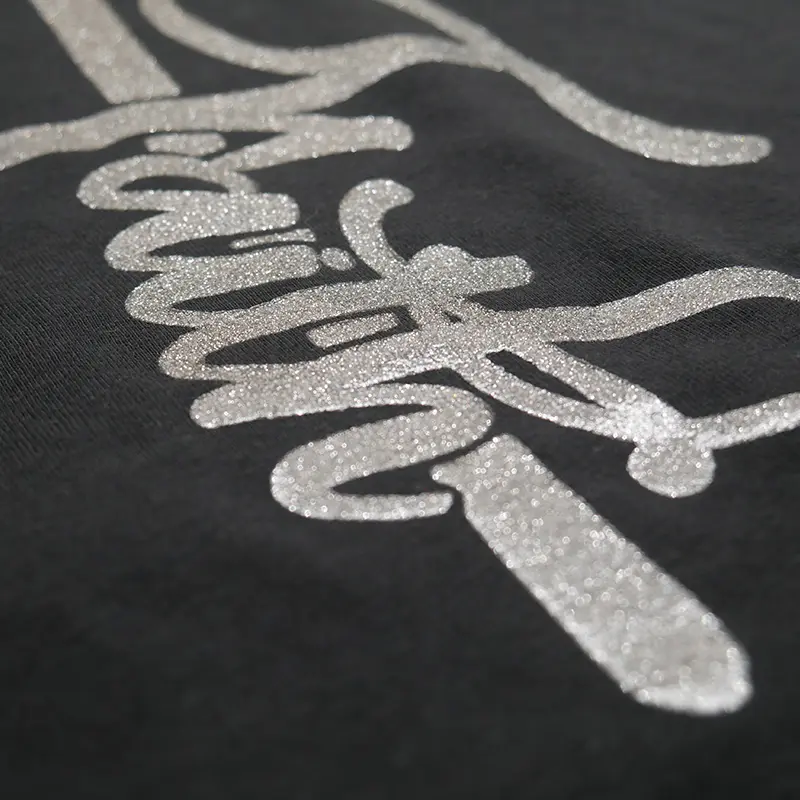
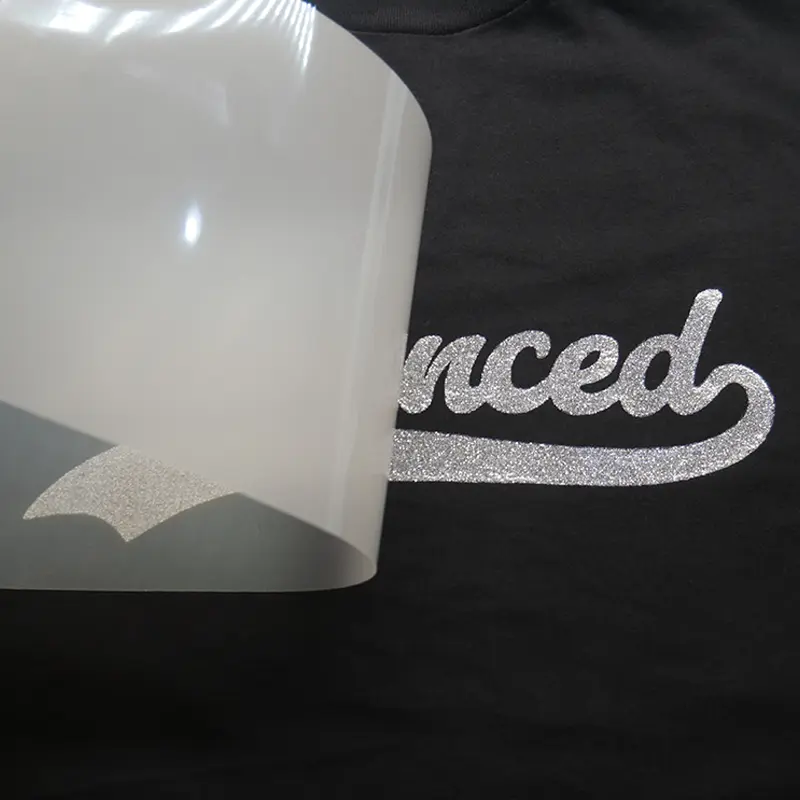
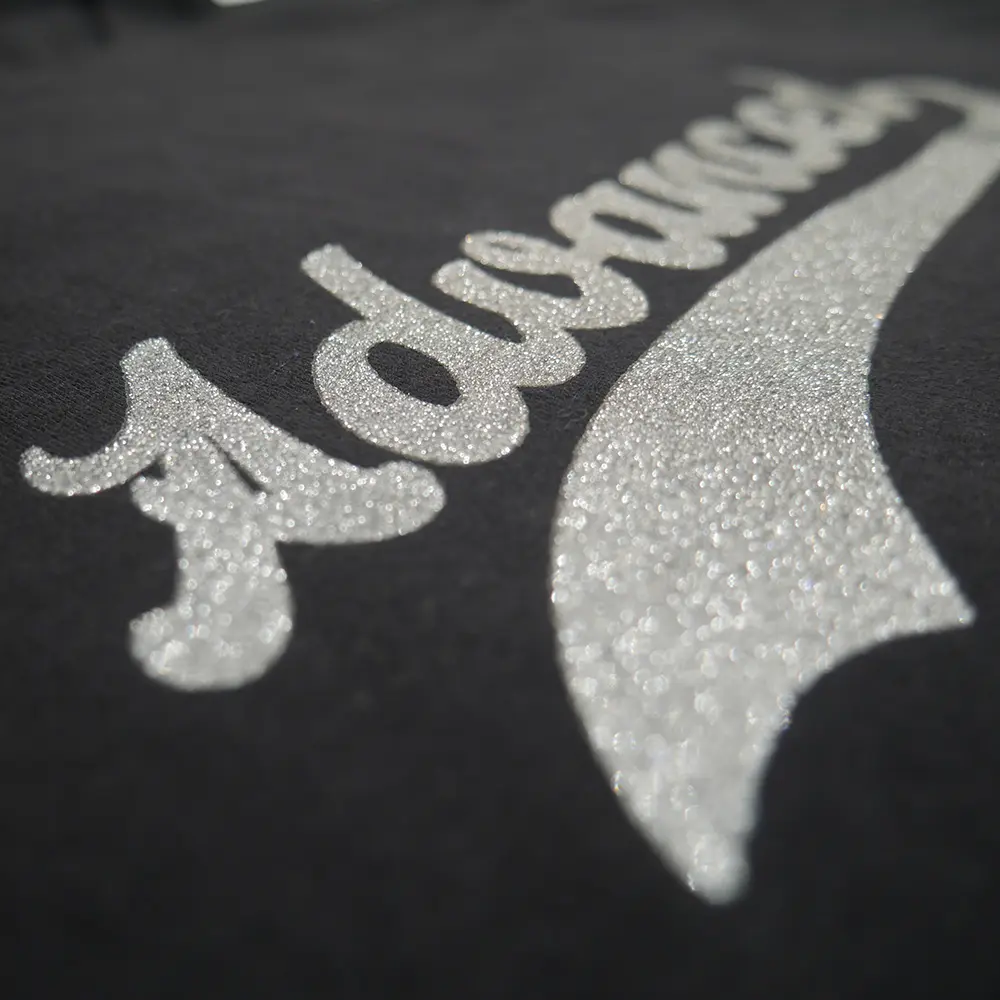
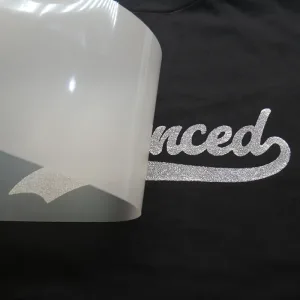
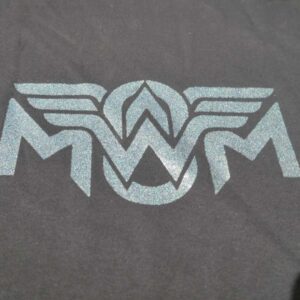
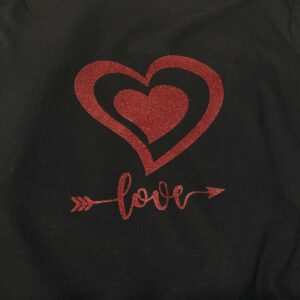
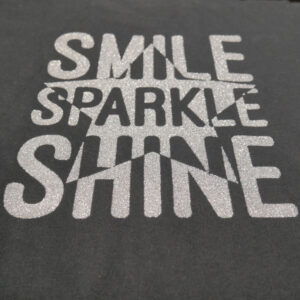
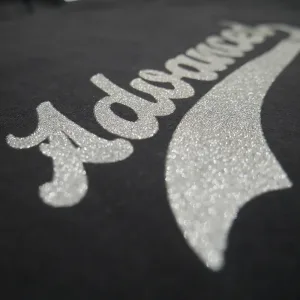
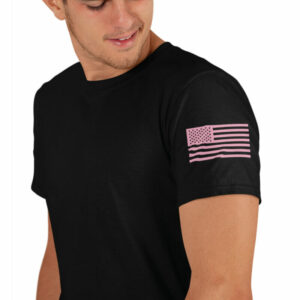
Custom Glitter Screen Printed Heat Transfers are perfect for decorators and teams who want bold glitter sparkle with a true screen printed feel, not a stiff plastic patch, using their own print-ready artwork. These transfers deliver dense glitter coverage so custom logos, numbers, and mascots shine on the field, court, stage, or in the stands and stand out across different garment colors.
Created for everyday production workflows, Custom Glitter Screen Printed Heat Transfers press smoothly between 300°F and 330°F on cotton, polyester, blends, and most fabrics that can handle this heat. With a roomy 12″ x 17.5″ max size, free shipping, and a quick 2–4 business day turnaround once artwork is ready, they are ideal for cheerleading squads, dance teams, sports groups, and spirit organizations wanting custom sparkle on uniforms, practice gear, and fan apparel.
Key Features
- Glitter screen printed plastisol heat transfers
- True screen printed look and feel with added sparkle
- Great for cheer, dance, sports, and spirit wear
- Max size: 12″ x 17.5″ (single design or gang sheet)
- Works on cotton, polyester, blends, and most fabrics that handle 300°F+
- Application: 300°F–330°F with a heat press and even pressure
- Durable finish designed to handle repeated washing
- 6 Minimum
- Free shipping included
- Ships within 2–4 business days with print-ready artwork
Pricing
Standard Pricing
| Colors |
6–11 |
12–17 |
18–23 |
24–35 |
36–47 |
48–59 |
60–71 |
72–89 |
90–107 |
108–143 |
144–179 |
180–215 |
216–251 |
| 1 Color |
$9.96 |
$6.85 |
$5.08 |
$4.38 |
$3.71 |
$3.06 |
$2.79 |
$2.58 |
$2.49 |
$2.24 |
$1.99 |
$1.84 |
$1.69 |
| 2 Color |
$19.74 |
$13.58 |
$10.07 |
$8.69 |
$7.34 |
$6.06 |
$5.53 |
$5.11 |
$4.94 |
$4.44 |
$3.95 |
$3.65 |
$3.36 |
Transparent Glossy Clear Film Pricing
| Colors |
6–11 |
12–17 |
18–23 |
24–35 |
36–47 |
48–59 |
60–71 |
72–89 |
90–107 |
108–143 |
144–179 |
180–215 |
216–251 |
| 1 Color |
$10.71 |
$7.60 |
$5.83 |
$5.13 |
$4.41 |
$3.76 |
$3.49 |
$3.23 |
$3.14 |
$2.89 |
$2.59 |
$2.44 |
$2.29 |
| 2 Color |
$20.49 |
$14.33 |
$10.82 |
$9.44 |
$8.04 |
$6.76 |
$6.23 |
$5.76 |
$5.59 |
$5.09 |
$4.55 |
$4.25 |
$3.96 |
Need a larger quantity? Get a custom quote!
Request a Quote
Application & Care
Application & Care

Temperature
300°F – 330°F

Time
12 Seconds

Pressure
40 PSI / Firm Pressure

Peel Method
Hot Peel
Press Settings
| Setting |
Value |
| Press Temperature |
300°F – 330°F |
| Press Time |
12 Seconds |
| Pressure |
40 PSI / Firm Pressure |
| Peel Method |
Hot Peel |
| Press Type |
Traditional Heat Press |
Step-by-Step Application
-
Prepare Your Heat Press. Set the heat press to 300–330°F with 40 PSI / firm pressure. Use a traditional heat press. Do not use a Teflon sheet or any kind of cover.
-
Pre-Press the Garment. Position the garment and pre-press for 5 seconds to remove surface moisture and wrinkles before applying the transfer.
-
Position the Transfer. Place the transfer printed side down where you want the design. Avoid seams, zippers, and uneven surfaces unless the product is specifically designed for those areas.
-
Apply Heat & Pressure. Press for 12 seconds at 40 PSI / firm pressure. Maintain the recommended pressure for the full pressing time.
-
Peel the Carrier Hot. Peel the transfer paper immediately while hot. Do not wait for the transfer to cool.
-
Inspect the Transfer. Check that the design is fully bonded, including edges and fine details, before continuing production.
Important Precautions
- Always perform a test press before starting full production. We are not responsible for damaged garments.
- Must use a traditional heat press capable of maintaining the required temperature and even pressure.
- Do not use a Teflon sheet or any kind of cover.
- Do not apply transfers over seams, zippers, or uneven surfaces unless specifically permitted.
- Confirm that your garment material is compatible with the selected transfer and application temperature.
- Peel hot immediately. Peeling too late may affect adhesion.
Care Instructions
- Wash Cold Inside Out.
- Best if Hang Dry or No Heat if Must Tumble Dry Low Heat.
- Do Not Bleach.
- Do Not Iron Imprint/Transfer.
- Do Not Dry Clean.
- Best Not to use fabric softener.
Always perform a test press before full production to verify adhesion, application settings, and garment compatibility.
Need help with application or choosing the right transfer?
Request a Quote
Artwork Requirements
Artwork Requirements
Print-Ready Basics
For the best results, submit clean, print-ready artwork. Glitter screen-printed transfers work best with bold designs, solid shapes, and clear details. Your artwork should be prepared at the intended printing size, with accurate colors, spelling, and layout.
- Upload artwork at the exact size you want printed.
- If resizing is needed, include the required width and height in your order notes.
- Submit artwork in the correct orientation, not mirrored.
- Use a transparent background unless the background is intended to print.
- Check spelling, alignment, and design details before uploading.
Accepted File Formats
Vector artwork is preferred for sharp edges, accurate sizing, and clean printing. High-resolution raster artwork is also accepted.
- Preferred Vector Files: PDF, AI, SVG, EPS
- Accepted Raster Files: PSD, PNG, TIFF, JPG
- Raster Resolution: At least 300 DPI at final print size.
- Canva Users: Export your artwork as PDF Print for the best available quality.
Color & Design Setup
Glitter screen-printed transfers are best suited for clean, solid-color designs. The glitter particles create a sparkling finish that works especially well with bold lettering, logos, graphics, and larger design elements.
- Solid Colors: Use clean, solid artwork with clearly defined shapes.
- Glitter Colors: Select from the available glitter ink colors shown in the product configurator.
- Fine Details: Avoid extremely thin lines, tiny text, and intricate details that may not reproduce cleanly.
- Special Effects: Gradients, fades, shadows, and transparency effects may not reproduce as intended.
- Color Notes: Specify important color requirements in your order notes.
Minimum Detail & Text Requirements
Glitter screen-printed transfers require larger minimum details than standard plastisol transfers. To prevent small details from filling in, breaking, or losing definition, artwork must meet the following minimum tolerances.
| Requirement |
Minimum |
| Printed Line Thickness |
2 pt / 0.028 in |
| Negative Space |
4 pt / 0.056 in |
Artwork below these tolerances may print heavier, fill in, or lose important details. Bold lettering and larger solid shapes are recommended for the best glitter finish.
Convert all fonts to outlines or shapes before uploading. In Adobe Illustrator, convert text to outlines. In Adobe Photoshop, convert text to shapes.
Before Uploading Your Artwork
- Review your design at its intended finished size.
- Convert fonts to outlines or shapes to avoid substitutions.
- Remove unwanted backgrounds, effects, and stray design elements.
- Ensure printed lines are at least 2 pt thick.
- Ensure negative spaces are at least 4 pt wide.
- Use bold shapes and clear lettering for the best glitter appearance.
- Upload your artwork through the product configurator.
- Include any important sizing, color, or production notes.
Files created in basic design programs, screenshots, and low-resolution images may require additional artwork preparation before production.
For more information, visit our Artwork Requirements page.
Need help preparing your artwork?
Request a Quote
Shipping & Turnaround
Shipping & Turnaround
Production Time
Most orders with single-color, vector-ready artwork are produced in 2–4 business days.
Orders with non-vector artwork usually add one extra business day. If the file is low quality or the artwork is complex, turnaround can take longer.
Multi-color orders and higher quantities may also require additional production time.
Shipping Options & Rates
Shipping from New Jersey. Available shipping methods and delivery times depend on the product, order quantity, and destination.
| Shipping Method |
Delivery Time |
| Free Standard Shipping |
2–5 business days |
| Priority Shipping |
1–3 business days |
| Order Cutoff |
Monday–Friday at 1:00 PM ET. Orders placed after 1:00 PM ET or on weekends begin processing the next business day. |
Final shipping options, eligibility, and charges are determined at checkout.
Free Shipping & Special Offers
Free shipping may be available on qualifying orders, depending on the product and applicable order requirements. Any eligible free-shipping offers and available shipping options will be displayed during checkout.
Need a rush order or have special shipping requirements?
Request a Quote