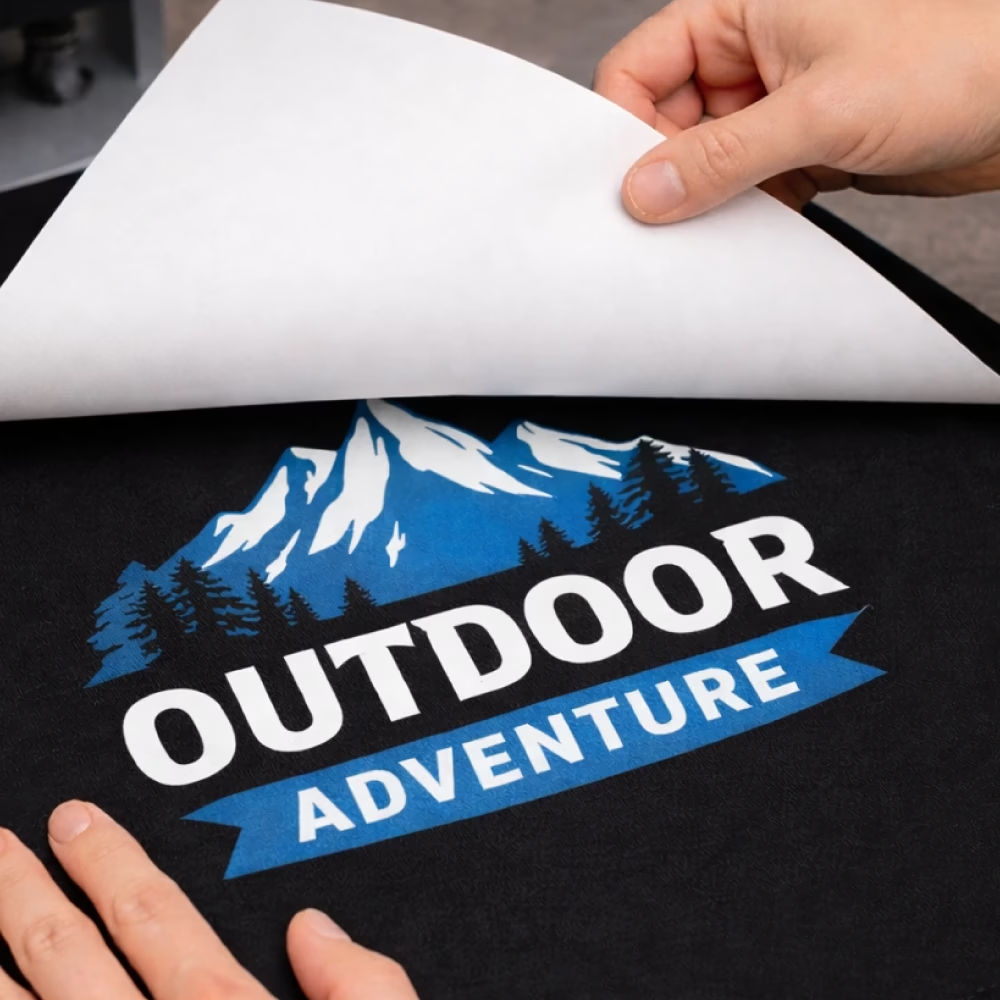
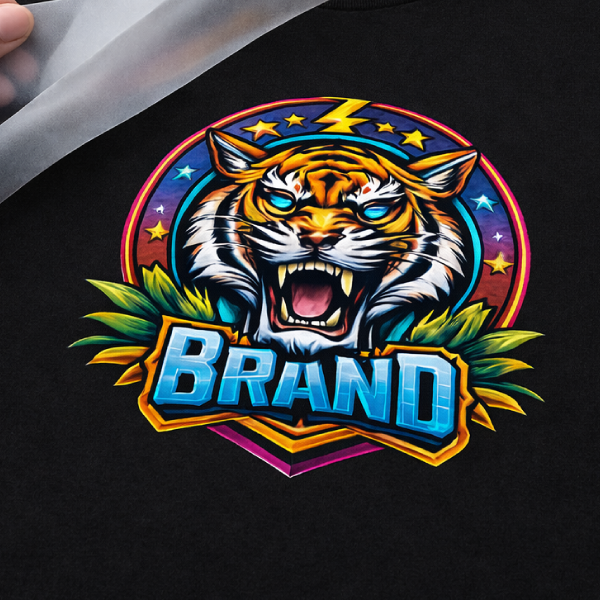
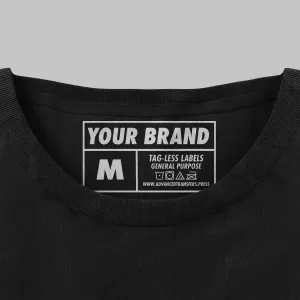
Advanced HP Hot Peel Heat Transfers are made for customers who want the softest feel and a smooth, high-end finish. This option is designed for a clean press with no clear outlines, helping artwork look crisp and polished while keeping the print comfortable to wear.
Advanced HP is best on 100% cotton and can also work on cotton blends when the garment can handle higher press temps. It’s available in single-color or multi-color, making it a strong choice for everything from simple logos to detailed designs.
Key Features
- Softest feel (soft hand finish)
- Hot peel for faster production
- No clear outlines for a cleaner, smoother look
- Single-color or multi-color available
- Best for 100% cotton (works on cotton/poly blends if temperature allows)
- Max size: 12″ x 17.5″ (gang sheet or single design)
- Application: 375°F–400°F
- Free shipping
- Single-color ships in 1–2 business days with print-ready artwork
- 6 Minimum
Pricing ➔
| Colors |
6–11 |
12–17 |
18–23 |
24–35 |
36–47 |
48–59 |
60–71 |
72–89 |
90–107 |
108–143 |
144–179 |
180–215 |
216–251 |
| 1 Color |
$9.06 |
$6.23 |
$4.62 |
$3.99 |
$3.37 |
$2.78 |
$2.54 |
$2.35 |
$2.27 |
$2.04 |
$1.81 |
$1.68 |
$1.54 |
| 2 Color |
$18.56 |
$12.77 |
$9.47 |
$8.17 |
$6.90 |
$5.70 |
$5.20 |
$4.81 |
$4.64 |
$4.18 |
$3.71 |
$3.43 |
$3.16 |
| 3 Color |
$26.15 |
$17.99 |
$13.34 |
$11.51 |
$9.73 |
$8.03 |
$7.32 |
$6.77 |
$6.54 |
$5.88 |
$5.23 |
$4.84 |
$4.45 |
| 4 Color |
$34.38 |
$23.65 |
$17.53 |
$15.13 |
$12.79 |
$10.55 |
$9.63 |
$8.90 |
$8.60 |
$7.74 |
$6.88 |
$6.36 |
$5.84 |
For Larger Quantities Please Submit a QUOTE!
Shipping & Turnaround ➔
Most orders with single-color, vector-ready artwork are produced in 1–2 business days.
Orders with non-vector artwork usually add one extra business day. If the file is low quality or the artwork is complex, turnaround can take longer.
Multi-color orders and higher quantities may also require additional production time.
Shipping From New Jersey
Order Cutoff Time
Cutoff is Monday–Friday at 1:00 PM ET. Orders placed after 1:00 PM ET or on weekends begin processing the next business day.
Artwork Requirements ➔
Print Ready Basics
Your artwork prints as submitted, including size, spelling, and layout.
- Upload the file at the exact size you want it printed.
- If resizing is needed, include the exact width and height in your order notes.
- Artwork is uploaded in the correct orientation and not mirrored.
- Backgrounds are transparent unless a background is intended to print.
Preferred File Types
Vector artwork produces the cleanest edges and most consistent results.
Preferred (Vector)
Also Accepted
For raster files, artwork is provided at 300 dpi at final print size.
Canva Users
If you design in Canva, export your file as PDF Print for best results.
Color Setup
General Purpose transfers are produced using spot colors.
- Use solid colors when possible.
- Only include white when white ink is intended to print.
- If your file colors do not match what you want printed, list the intended colors in the order notes.
Minimum Detail Requirements
To prevent small details from filling in or breaking, artwork meets these minimum tolerances.
- Minimum printed line thickness: 1 pt or 0.014 in
- Minimum negative space: 2 pt or 0.028 in
Artwork below these tolerances may print heavier, fill in, or lose detail.
Text Requirements
All text is converted before submission to prevent font issues.
- Illustrator: convert text to outlines
- Photoshop: convert text to shapes
Converted text is no longer editable as live text.
Effects and Fine Detail Notes
Screen printed transfers are best for clean, solid artwork.
- Gradients, fades, shadows, and transparency effects may not reproduce as intended.
- Thin strokes and tiny “holes” inside letters can close up if they fall under minimum tolerances.
Files Not Accepted
Files from Cricut design tools, Windows Paint, Apple Paintbrush, and similar generic programs often do not separate cleanly for screen printing and may not be usable as submitted.
If anything is questionable, the fastest path is sending the best file available and including the intended print size.